
My inZOI Canvas Custom Content Shopping Trip
I browse recent inZOI Canvas creations, save creator links, collect alt, seasonal, male and athletic custom content, then test what actually transfers in-game.
Quick Answer
Needs verificationI use inZOI Canvas to browse recent custom content, filter outfits and style presets, save creator links, and test the haul in-game. Some bundled items may not transfer when included mods are outdated, so I check the results and delete anything that does not work.
- Applies to
- Not recorded
- Last verified
- Pending
- Source
- Not recorded
On this page
Adaptation note from Pantas: I am keeping this article in my first-person voice so the excitement, uncertainty, and decisions stay tied to what I said and did in the original video. The links and builds mentioned here come from that video, not from a separate wiki test.
Quick answer: I use inZOI Canvas to browse recent custom content, filter outfits and style presets, save creator links, and test the haul in-game. Some bundled items may not transfer when included mods are outdated, so I check the results and delete anything that does not work.
I started this video because I feel like we are sleeping on the custom content we can find directly in Canvas. Instead of searching for one mod at a time, I wanted to browse complete looks, see what creators had bundled together, and let the feed surprise me. I knew this could turn into a lot of downloads very quickly, but that is kind of the point of a proper custom-content shopping trip.
I Start by Browsing Canvas
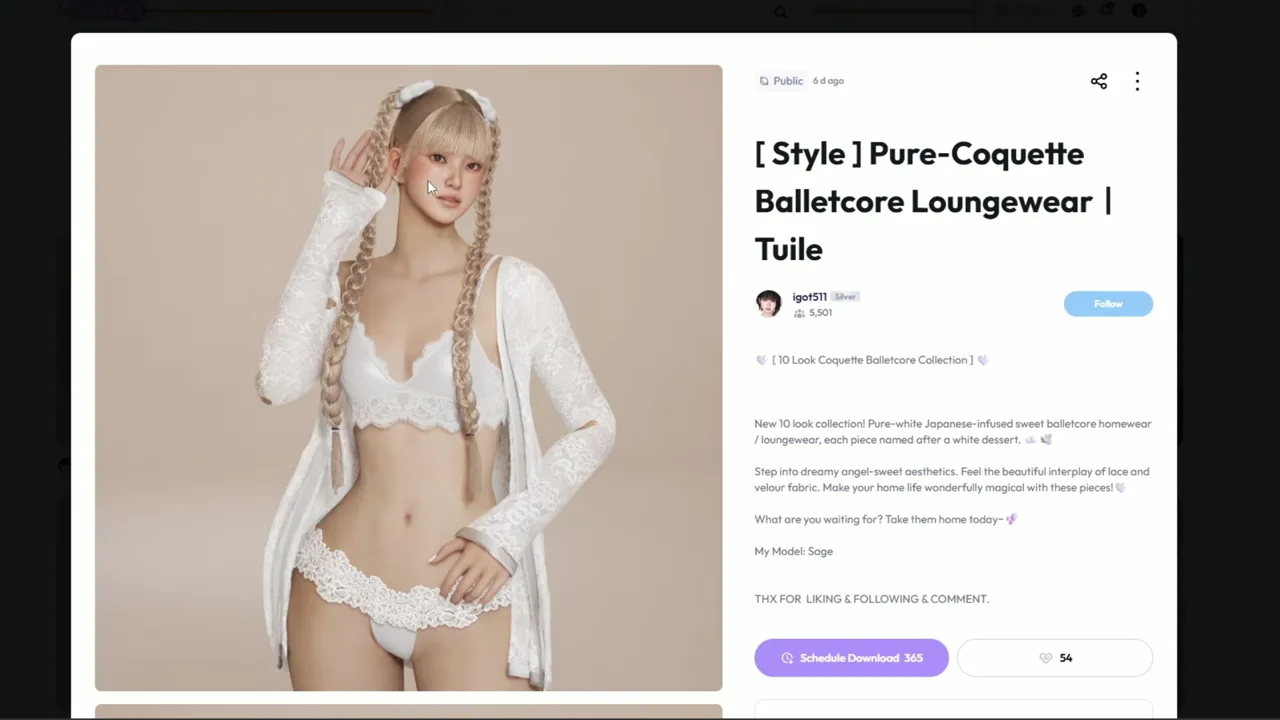
When I open Canvas, I can already see custom outfits, hair, loungewear, style presets, and other creations while scrolling. Some creations include extra items, so I check the included mods before downloading. One style preset adds a skin overhaul, for example, and seeing everything together makes me notice pieces I might never have searched for on their own.
I also keep the browser open and copy every download link into a notepad. If everything goes well, those links can become a list for viewers, but the list also keeps me from completely losing track of my own haul. When the game is open, I can keep downloading; when it is closed, I say the process can cap at 10 downloads before I need to open the game.
Source footage at approximately 32 seconds, matching the Canvas browsing and included-hair discussion.
I Use Recent Filters Instead of All Time
If I leave Canvas on all time, I can end up looking at creations from way back when inZOI first launched. I prefer the last seven days or the last 30 days, depending on how long it has been since my last shopping trip. Since I had not done a Canvas custom-content shopping trip in a while, I chose the last 30 days.
I can use the same idea for style presets. Filtering by category and a recent period gives me a more manageable stream of current outfits instead of making me scroll through the entire history of Canvas.
The First Haul Is Barbie, Fall, and Bundled Looks
I picked up a Barbie set with jeans and hair, followed the creator, and liked the creation. I was also very much in my fall energy, so seasonal looks immediately caught my attention. One bundle included a bridal spring collection and Whispers of Autumn, with a sweater, a skirt, and another outfit worn by the Zoi in the background. I noticed that the selection contained eight items, which made it more appealing than downloading one isolated piece.
I took a short break to let the first batch install before continuing. The downloads appeared in the game notifications, which gave me a chance to see how much had actually come through before I made the next round of choices.
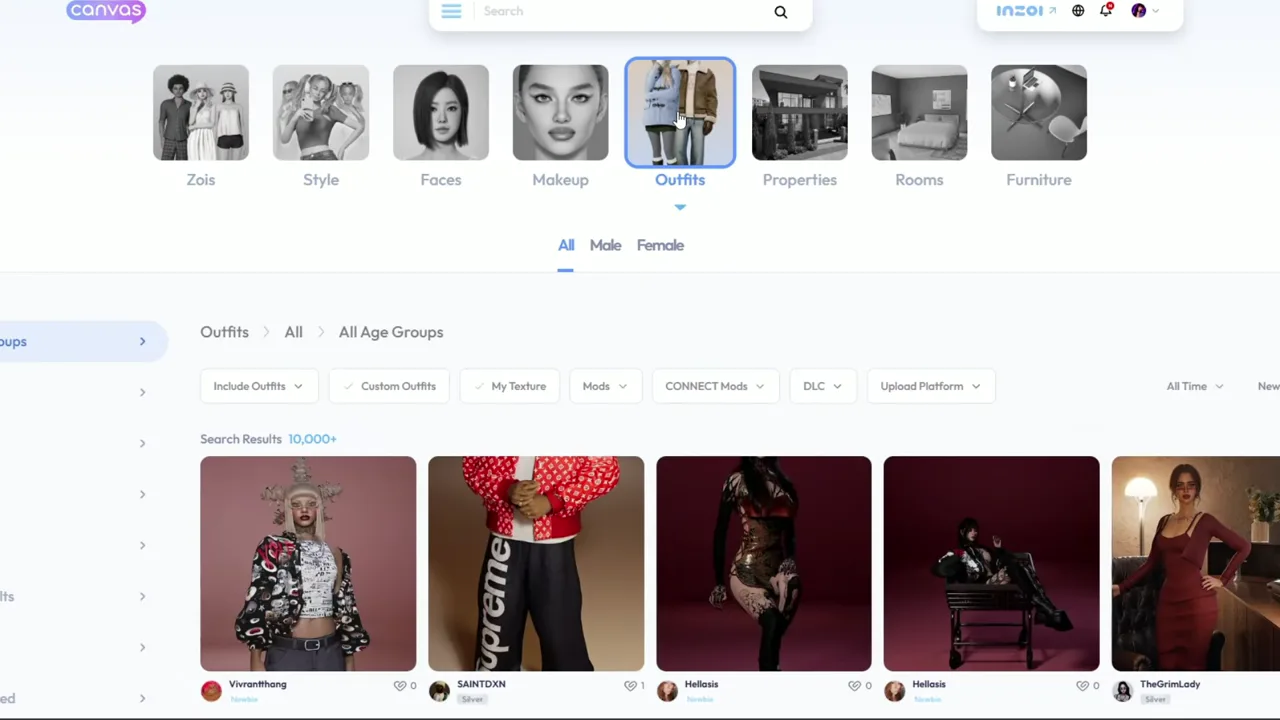
Source footage at approximately 139 seconds, matching the early Canvas category and outfit-shopping sequence.
The Grim Lady Collection Is Completely My Vibe
After the break, I found The Grim Lady's alt outfit series, and the aesthetic was immediately my vibe. The collection included a new hair, plum lipstick, shoes, and piercings, so I went straight to the creator's page to see what else was there.
There was a little bit of everything: sweaters, tattoos, male outfits, a fall date style preset, oversized baggy jeans, boots, and a silk black dress. I kept telling myself I would not download every item, then downloading more of the series because I had already started it. One dress gave me a gothic-bride feeling because of the roses and the way it fell, even though I knew it was not a bridal dress. I also wanted to make sure the haul included more than women's outfits, so I deliberately looked for male clothing and tattoos.
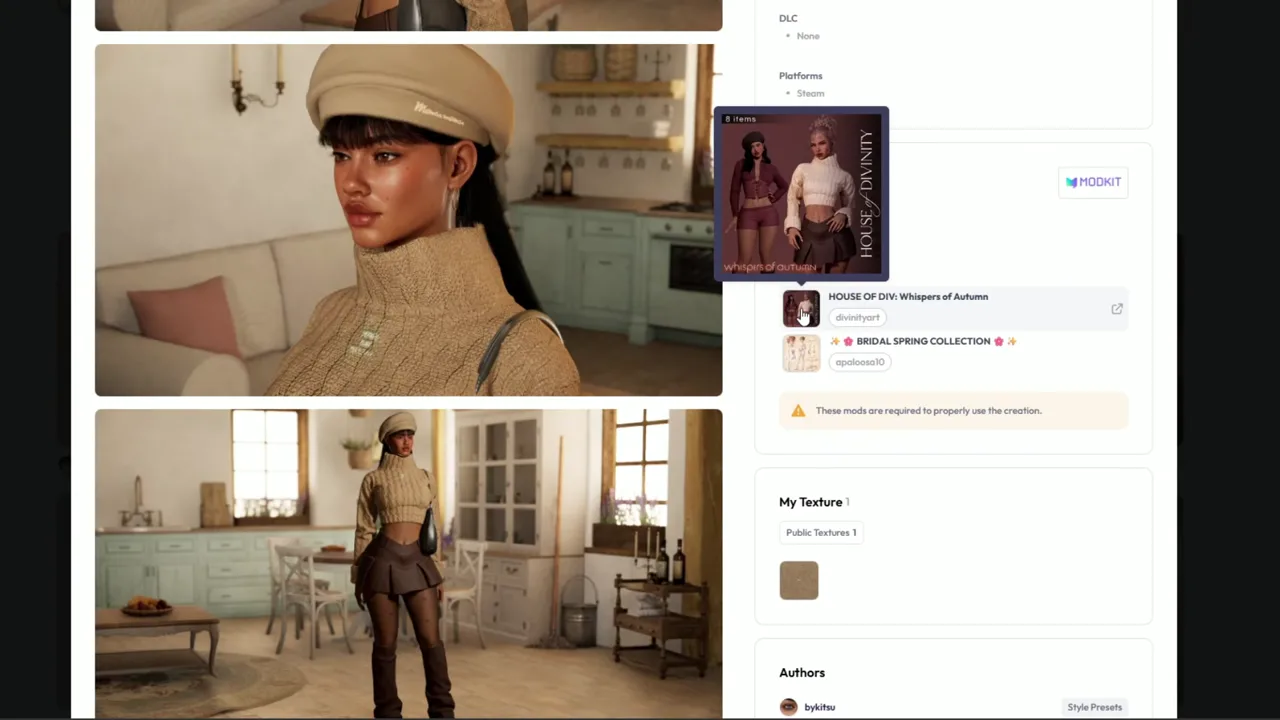
Source footage at approximately 232 seconds, matching the transition into the broader recent-outfit browsing sequence.
I Check Downloads and Look Beyond Clothes
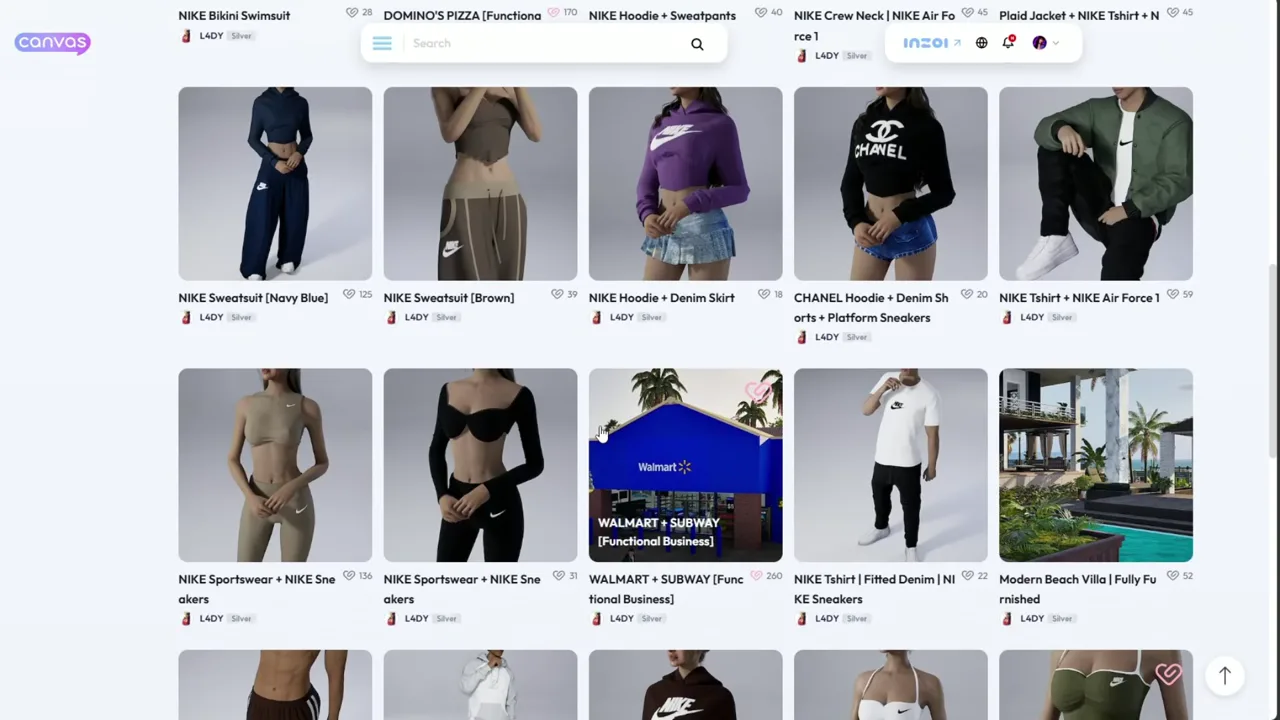
Once my link list got long, I changed the browsing method again. I went to Outfits, kept the last-30-days filter, and checked Downloads. I like downloads as a signal because people can forget to press Like even when they enjoy a creation. This surfaced autumn outfits, new pieces, and creators I might never have found through a normal mod-page search.
I also found an outfit preset, a swimsuit, athletic pieces, and Nike-inspired sportswear. I often feel like I am missing athletic outfits, and I think Canvas can be especially useful if someone is struggling to find custom content for male Zois.
A creator page led me to builds as well as clothing. I recognized H&M-, Domino's-, and Walmart-inspired builds, plus a pumpkin patch and other lots. I had been watching videos about that creator's building process and wanted to tour some of the builds separately, so I saved those links too instead of treating Canvas as clothing-only.
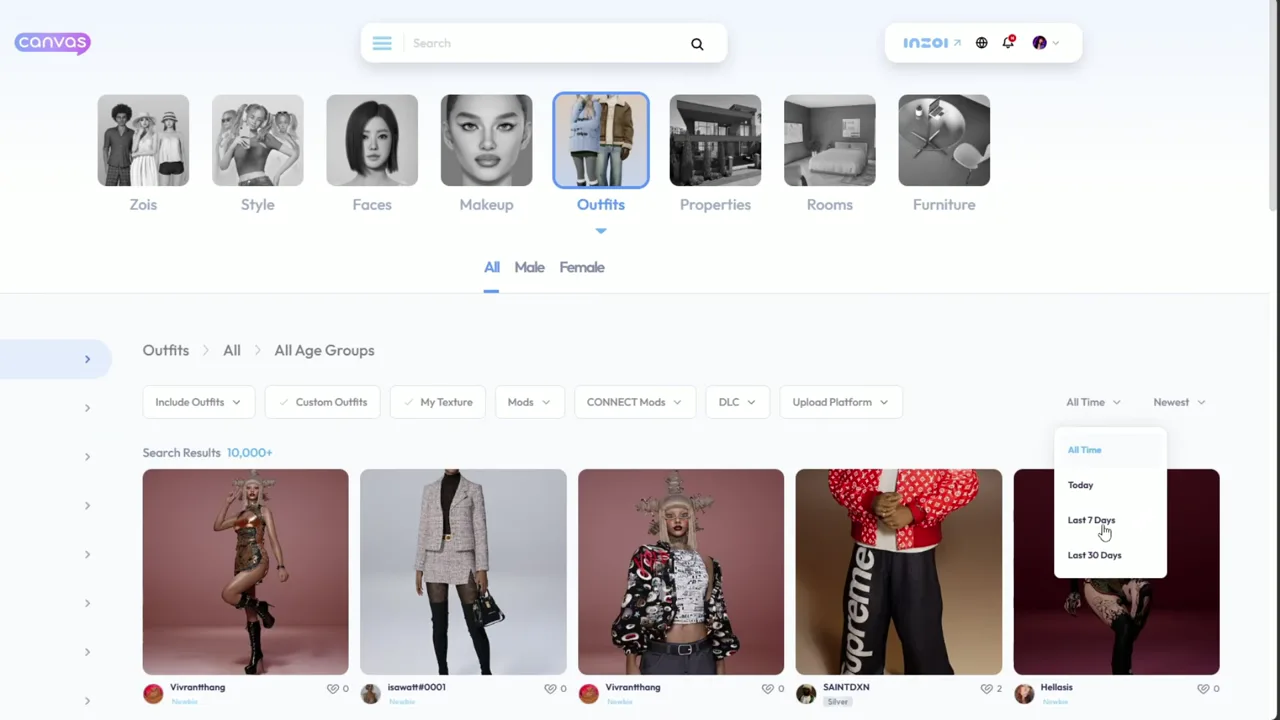
Source footage at approximately 511 seconds, matching the in-game results check after the download session.
I Test the Haul in Game
After the downloads finished, I checked the Zoi presets and style presets first. I could not show every item in the video, but I did find sweaters, outfits, hair, makeup, tattoos, chokers, piercings, nails, and other accessories. My own aesthetic is very alt and usually dark—I am always in black—with a sprinkle of girly pop. I may not wear every colorful piece, but seeing a cute creation still makes me happy.
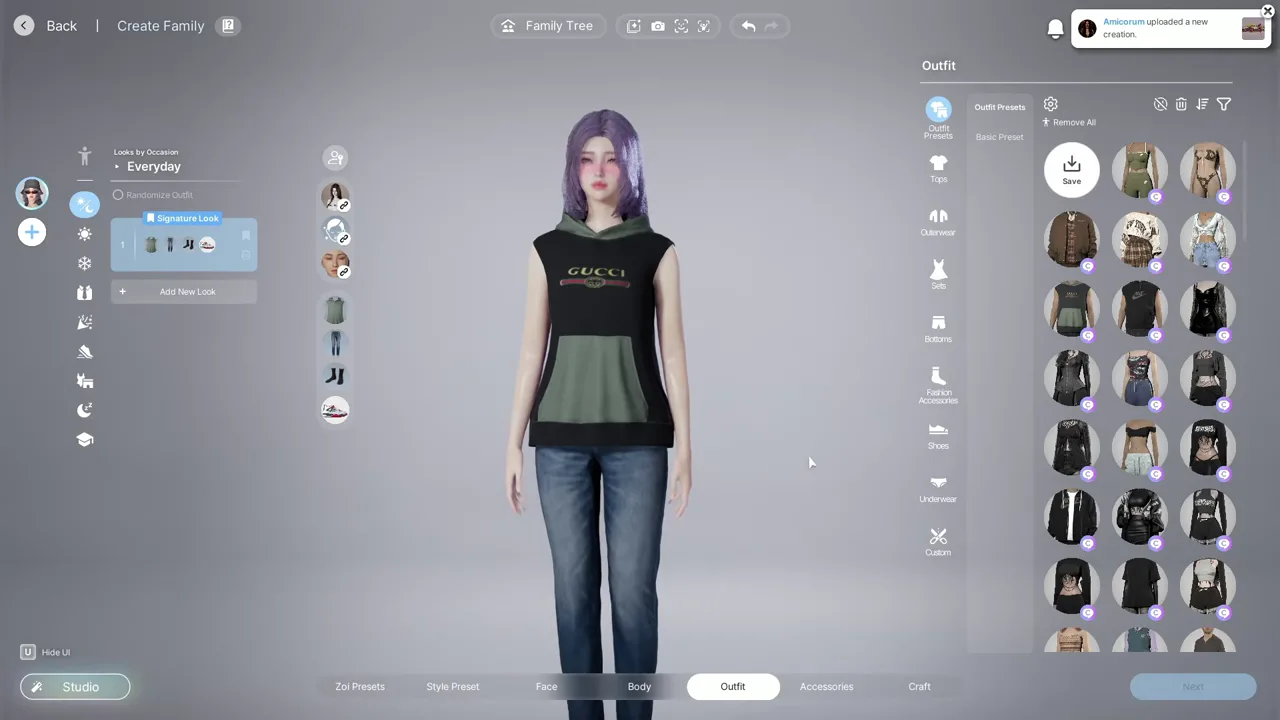
The results were mixed. Some skirts and outfits did not download, and some of the top entries in the outfit presets were not working. I suspected that an included mod might be outdated, but I did not establish that as the cause of every failure. I could replace a missing skirt, and I could use Delete Mode to remove anything that was not working.
Source footage at approximately 640 seconds, matching the in-game preset and styling review.
What Worked: Goth Pieces, Hair, and Makeup
A male sweater with a backwards hat worked, and several gothic pieces looked great. The male set I downloaded also worked, as did another unique outfit that I liked because of the fit. For hair, I found styles with multiple options, braids, and rainbow bangs with different colors. I was not always sure whether a hairstyle had already been in my game or arrived with this haul, so I avoided treating every item as newly downloaded.
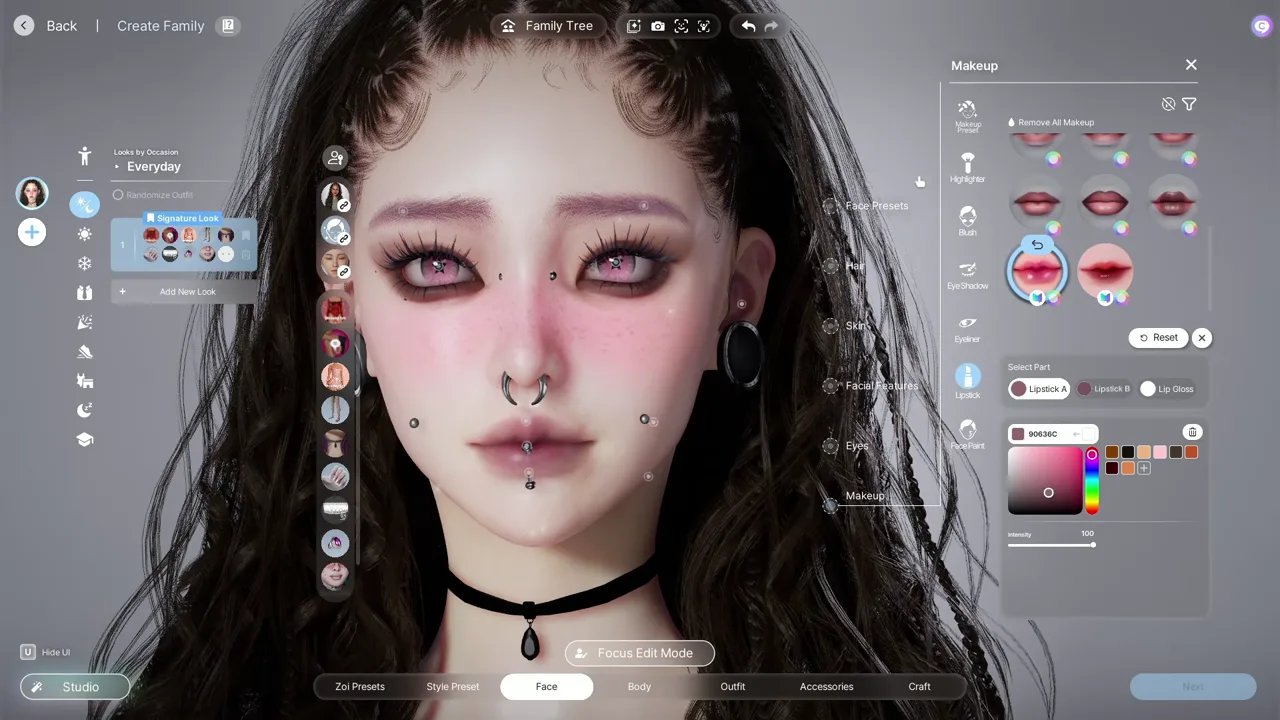
I also found new eyeshadow, eyeliners, two lip colors, and tattoos. Several chokers and other accessories appeared to have transferred, along with stretched ears, nails, a possible belly ring, and lip piercings. Some accessories needed positioning, and at least one piece could not be changed to black, so I kept that limitation in mind while styling.
Source footage at approximately 863 seconds, matching the hair and makeup checks.
Source footage at approximately 997 seconds, matching the accessory, tattoo, and piercing checks.
My Final Styling Pass
At the end, I changed her hair back to the style I wanted, kept part of it blonde, and made the rest mostly pink. I saved the look, added a black necklace, and made the little heart pink to match her hair. I was especially glad that I had picked up outfits for the guys as well; that is always useful for my game.
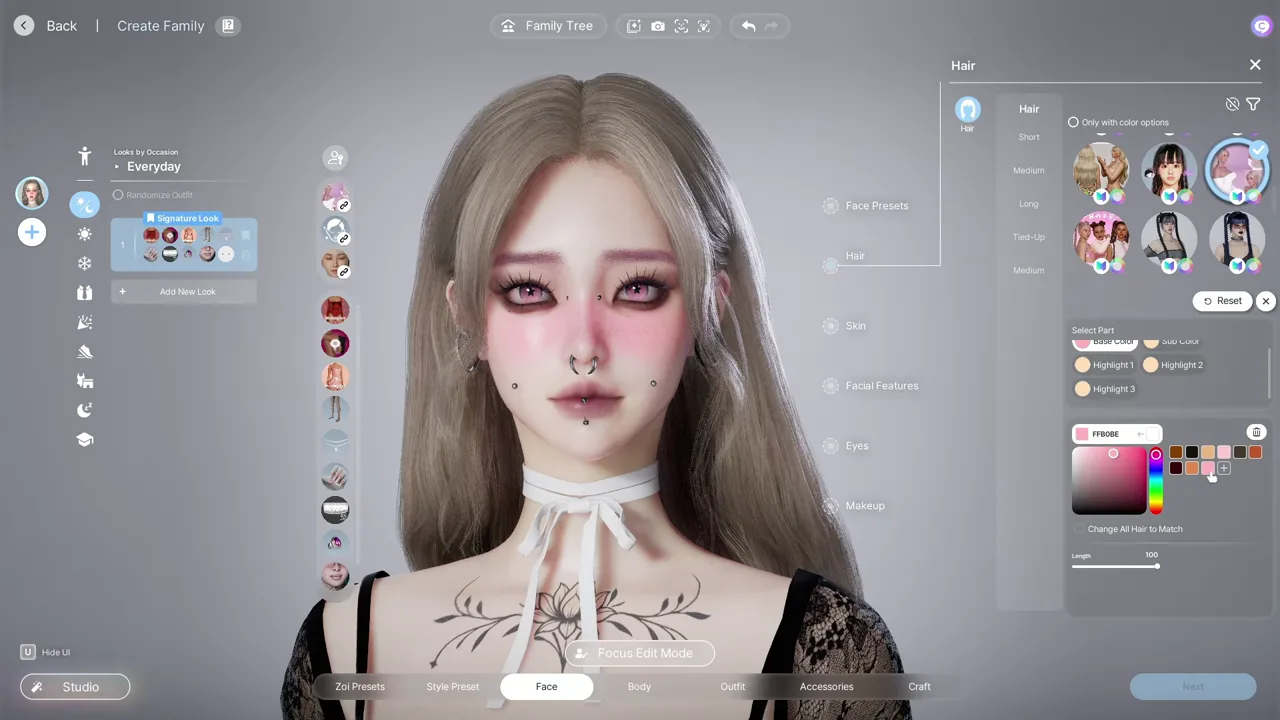
Source footage at approximately 1113 seconds, matching the final styling review.
What I Took Away from the Shopping Trip
Canvas feels like a better way for me to do traditional custom-content shopping because I can discover complete looks, follow creators, collect different styles, and keep the links organized for a later post. The haul was not perfect: some pieces failed, some outfits were missing components, and I did not have time to show everything.
My practical takeaway is to browse recent creations, check creator pages, save the links, and test the downloads in-game. Some Canvas items may not fully transfer, and they may work differently in another game. I think outdated included mods could explain some failures, but I do not know that every failed item has the same cause. When something does not work, Delete Mode makes it easy to remove.
I was still really happy with what I got. I love the final Zoi, and I am glad this shopping trip gave me the dark, alt look I wanted while still leaving room for a little girly pop.
Source Video
Watch Pantas' original inZOI Canvas custom-content shopping video. This adaptation follows my shopping process and commentary from the source video.