
MCP Script Modding in inZOI: Brainstorm with Kjun
Official inZOI update: Kjun explains how in-game MCP turns plain-language prompts into script mods, previews team examples, and notes why results may need refinement.
Quick Answer
Official sourceThe video presents an upcoming inZOI workflow where an LLM prompt sent through the in-game MCP can change the game in real time as a script mod, with the mod kit available for further improvements.
- Applies to
- Not recorded
- Last verified
- Pending
- Source
- Not recorded
On this page
Quick answer: The video presents an upcoming inZOI workflow where an LLM prompt sent through the in-game MCP can change the game in real time as a script mod, with the mod kit available for further improvements.
This official development update introduces the upcoming inZOI script mod feature through the in-game MCP. Kjun explains that players can describe what they want to an LLM and receive a real-time game change in the form of a script mod, even without coding knowledge. The video then shows representative team examples and the prompts behind them, including on-screen labels for several creative demonstrations. It also sets a practical boundary: changing the game beyond its native design can produce imperfections, so the examples are an invitation to experiment rather than a promise that every generated result will work perfectly.
An Official Preview Built for Accessibility
Kjun introduces this as a follow-up to the script mod feature shown in the previous week's video. The central message is that script mods should be approachable even for people with zero coding knowledge: viewers can type what they want into an LLM and use inZOI's in-game MCP to turn that request into a script mod. This is an official development update about the feature and its intended workflow, not a conventional gameplay guide.
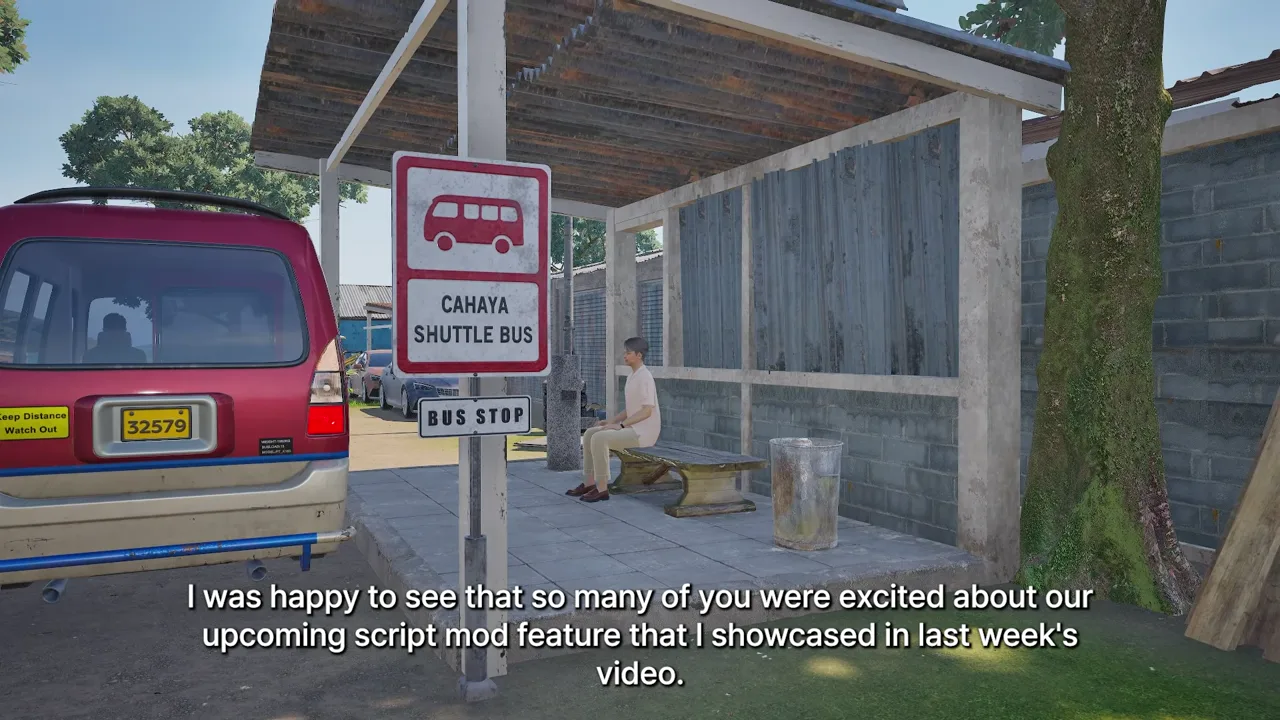
Source footage at approximately 3 seconds.
The MCP Setup and Prompt-to-Mod Workflow
The described workflow is direct: write the desired change in any LLM, then let the game change in real time in the form of a script mod. Viewers who want to prepare are directed to the official YouTube video titled “Connecting MCP Server to Inzoi.” Kjun says to set it up before script mod arrives later this month, so the MCP connection is presented as the preparation step for trying the feature.
Source footage at approximately 27 seconds.
Expect Imperfections and Iterate
Kjun cautions that imperfections can occur because script modding changes the game from its native design. The stated way forward is to make further implementations with the LLM or use the mod kit to help improve the result. The transcript supports an iterative workflow, but it does not define specific technical failure modes or guarantee that every prompt will produce a polished outcome.
Source footage at approximately 48 seconds.
Team Examples Shown in the Demonstration
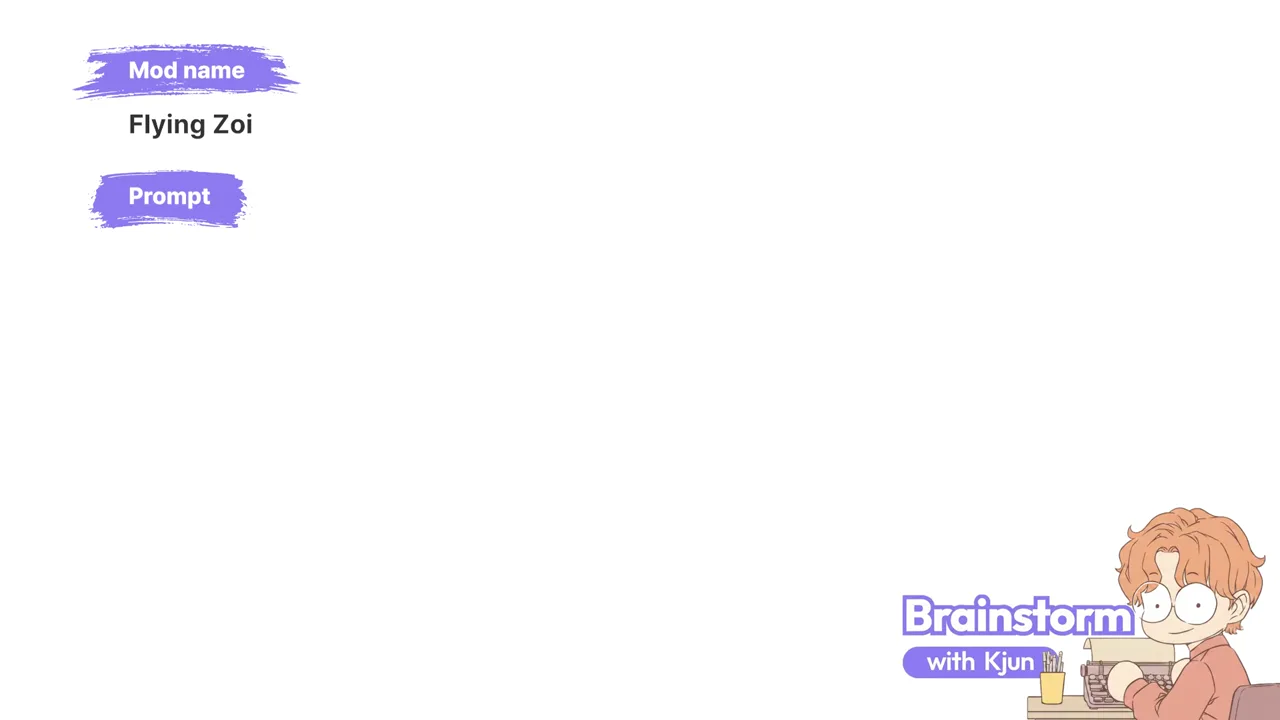
Kjun says the video shows script mods made by team members and the prompts they entered, followed by an example further improved with features from the mod kit. On-screen labels in the demonstration include “Car painter,” “Auto home decorator,” “Pied Piper Zoi,” “Visual novel,” “Dowon drift,” “Flying car,” “Flying Zoi,” and “Flying destroyer Zoi.” These labels identify representative examples visible in the video; the transcript does not provide detailed mechanics for them.
Source footage at approximately 368 seconds.
A Visual Painting Demonstration
The later footage also includes an on-screen example labeled “Real painting.” This section records the visual demonstration only; the available narration does not explain its implementation or establish additional mechanics beyond the labels shown on screen.
Source Video
Watch the original inZOI video. This draft uses the video transcript as its factual boundary.
<details>
<summary>Source frame review notes</summary>
- 3s — gameplay: sparse gameplay sample
- 27s — gameplay: sparse gameplay sample
- 48s — gameplay: sparse gameplay sample
- 74s — tutorial step: matched tutorial step terms
- 123s — gameplay: sparse gameplay sample
- 245s — gameplay: sparse gameplay sample
- 368s — gameplay: sparse gameplay sample
</details>